
Installing Java and Eclipse on Ubuntu Linux: 2013 Updates
Do you have a JDK installed? You likely want to put $JDK_HOME/bin on your PATH, not the /bin of a JRE, as jar comes with JDK, not JRE.
Do this:
- Delete all installations of Java.
- Install the Java SDK (self-extracting) into /opt/jdk1.6.0_16 (for example)
- Create a symbolic link: ln -s /opt/jdk1.6.0_16 /opt/jdk
- Edit $HOME/.bashrc:
JAVA_HOME=/opt/jdk
PATH=$PATH:$HOME/bin:$JAVA_HOME/bin
- Logout and log back in.
This offers many advantages:
- You can install multiple versions of the SDK and need only switch a symbolic link.
- You know where all the files are located.
- You know exactly which version of Java is being used.
- No other versions are installed, so there cannot be any conflicts.
I have done this for years and have never had any problems with Java on Linux, except for packages that do not detect that Java is installed and attempt to install the OpenJDK.
Also, stay away from the OpenJDK as its fonts are terrible to behold.

Environment Preparation
- JavaSE 6r29 JDK(and JRE): java.oracle.com
- Set Path & Test: “C:\Program Files\Java\jre6\bin”
- java -version
- javac -version
- IDE
- Eclipse: www.eclipse.org/downloads
- Eclipse IDE for Java Developers/Jave EE Developers
- Eclipse: www.eclipse.org/downloads
JARs(include in Eclipse project when needed):
- TestND: http://beust.com/eclipse
- Java Excel API: http://jexcelapi.sourceforge.net/
- JUnit: http://www.junit.org/
- Apache ANT (HTML reporting)
- Subversion http://subclipse.tigris.org/update_1.8.x
- Also check: http://download.eclipse.org/releases/juno/
Help and Tutorials
Java/Selenium Reading from Excel sheets:
- http://testerinyou.blogspot.com/2010/10/how-to-do-data-driven-testing-using.html
- http://functionaltestautomation.blogspot.com/2009/10/dataprovider-data-driven-testing-with.html
- http://www.youtube.com/watch?v=ty3q2wQdPmU&feature=BFp&list=WL18EEBB0491EF4A05
Shortcuts:
CTRL-SPACE Code writing
CTRL + / Add/remove comments
CTRL + SHFT + O Organize imports (Add/remove imports)
ALT + UP/DOWN Move a line of code up or down
CTRL + D Delete Line
ALT+SHFT+J Element Comment
Eclipse Start.bat: JDK7
This uses the JDK7 binaries:
|
set DEV_HOME=D:\DEVL\Java set JAVA_HOME=%DEV_HOME%\java32\jdk7 set PATH=%JAVA_HOME%\bin;%PATH%
start %DEV_HOME%\eclipse32\eclipse.exe -vm %JAVA_HOME%\bin\javaw.exe -showlocation -vmargs -server -Xms512m -Xmx1024m -XX:MaxPermSize=128m |
Eclipse.ini Configuration: JDK7
|
-startup plugins/org.eclipse.equinox.launcher_1.3.0.v20120522-1813.jar --launcher.library plugins/org.eclipse.equinox.launcher.win32.win32.x86_1.1.200.v20120522-1813 -product org.eclipse.epp.package.java.product --launcher.defaultAction openFile --launcher.XXMaxPermSize 256M -showsplash org.eclipse.platform --launcher.XXMaxPermSize 256m --launcher.defaultAction openFile -vm D:/DEVL/Java/java32/java32/jdk7/bin/javaw.exe -vmargs -Dosgi.requiredJavaVersion=1.5 -Dhelp.lucene.tokenizer=standard -Xms40m -Xmx512m |
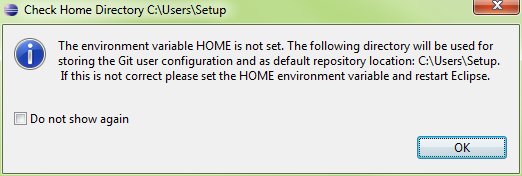
HOME Environment Variable
Installing the Subversion Client
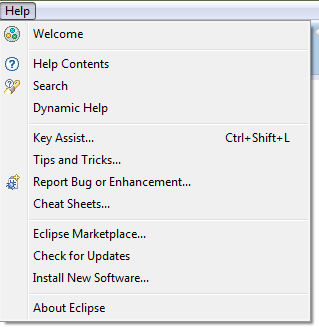
- Go to Help\Eclipse Marketplace and search by ‘Subversion’
- Select Subclipse and Install…
- http://subclipse.tigris.org/update_1.8.x
- Go to Preferences\Team\SVN
- The SVN interface should be JavaHL(JNI)
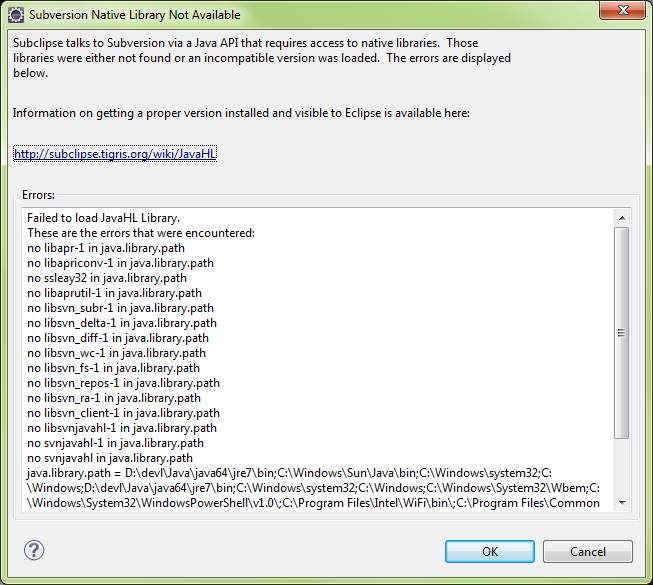
- Here it is Not Available

- If the Subclipse client plugins are missing, the following prompt will appear
Subclipse Library Not Available
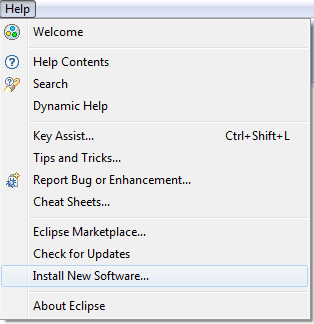
Installing Subclipse from Help\New Software
- Go to Help\Install New Software…
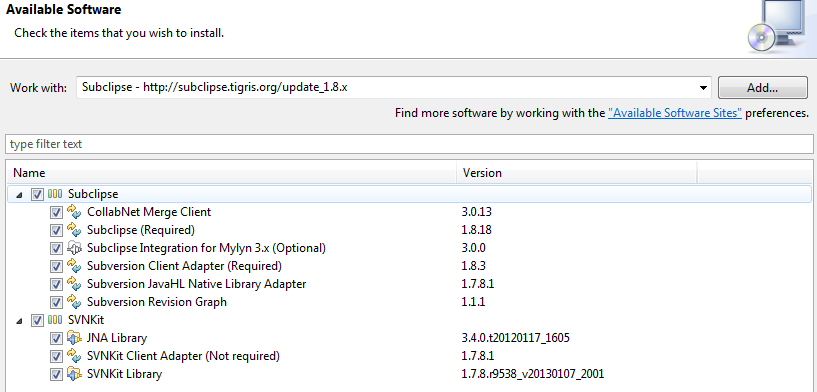
Locate “Subclipse – http://...”
Select Subclipse option, Click Next
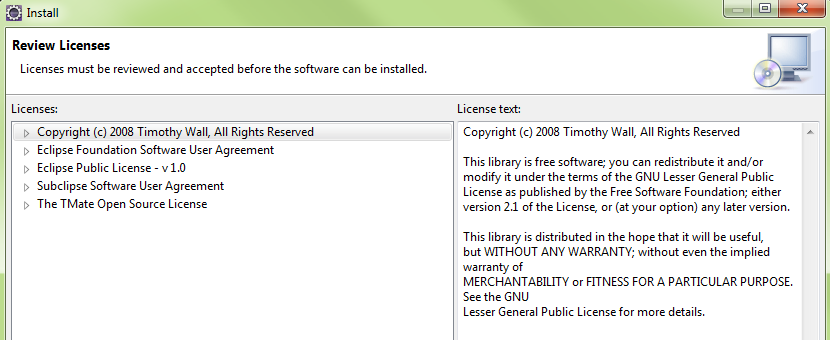
Acknowledge EULAs
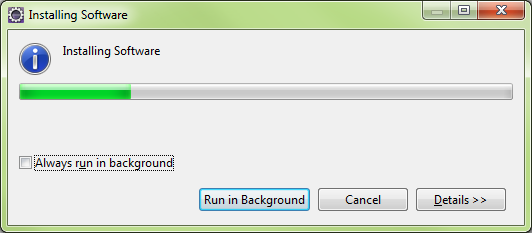
Eclipse will download selected packages
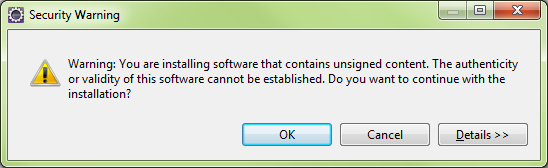
Security Warning
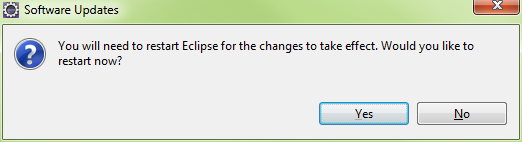
Eclipse will restart
Installing Subclipse From Help\Eclipse Market Place…
Eclipse Marketplace: Subclipse selection
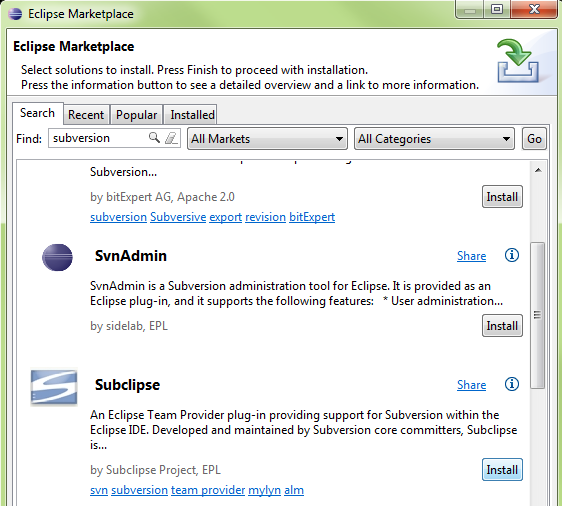
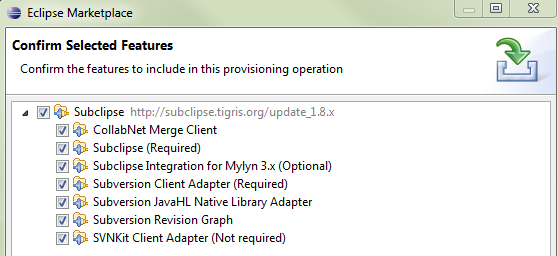
Select all packages
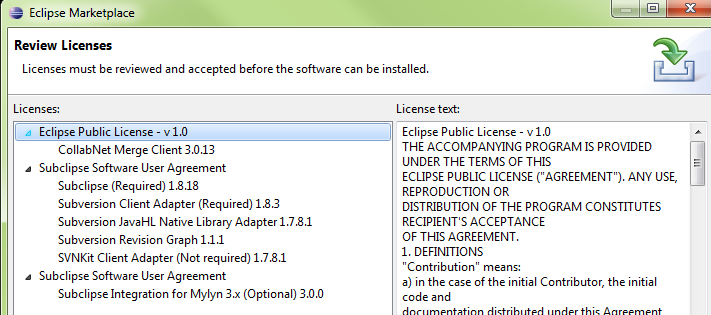
Acknowledge the EULAs
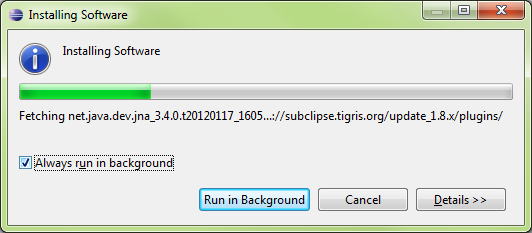
Eclipse will download the packages
Upon restarting, Eclipse will prompt for communicating Subclipse usage
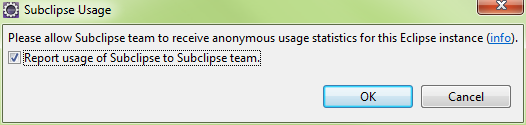
Enabling the SVN Connector and Plugin
Eclipse\Preferences\Team\SVN
Select SVN interface: JavaHL and press OK

Open the SVN Repository View
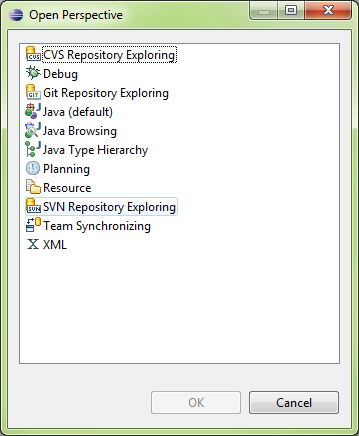
The SVN repository Exporting Panel will appear

Right Click in the SVN repositories panel, select New..
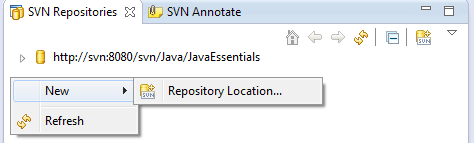
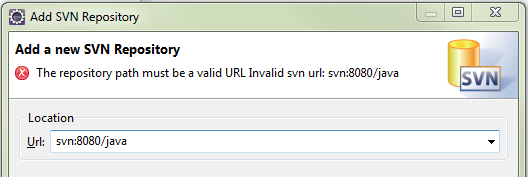
Enter the URL of the SVN Server and Repository
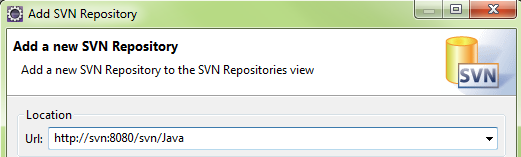
If Incorrect, Eclipse will indicate an Error
Accessing SVN from the Project Explorer

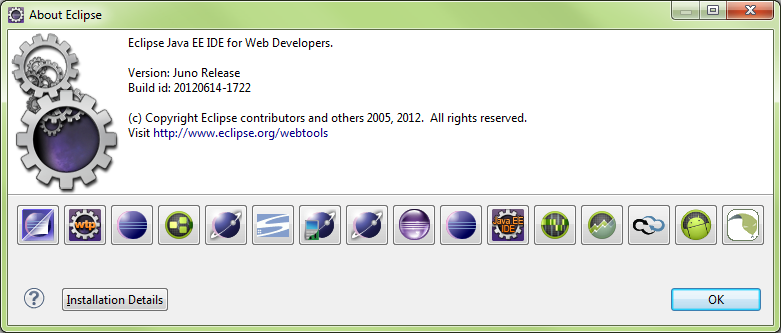
Eclipse About
About Main Form
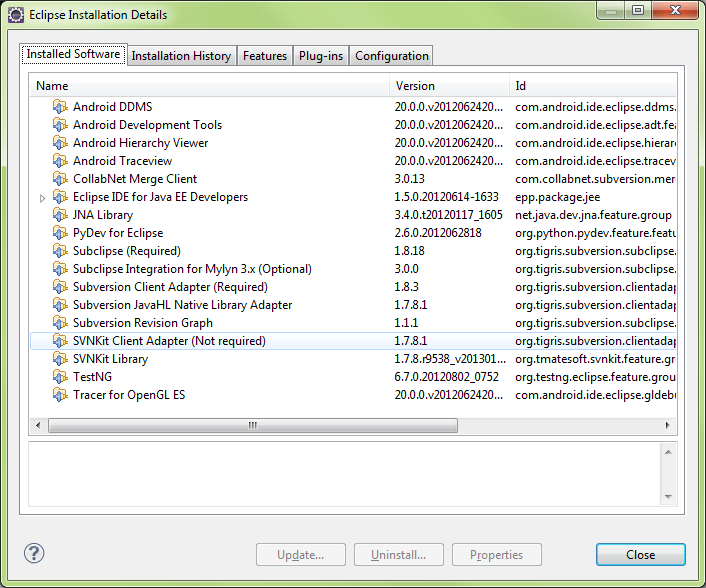
Installation Details
Installation History

Features
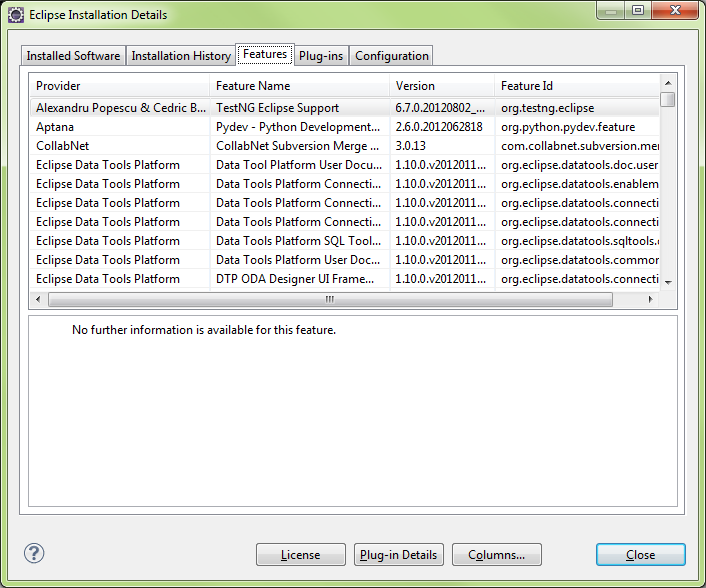
Plugins
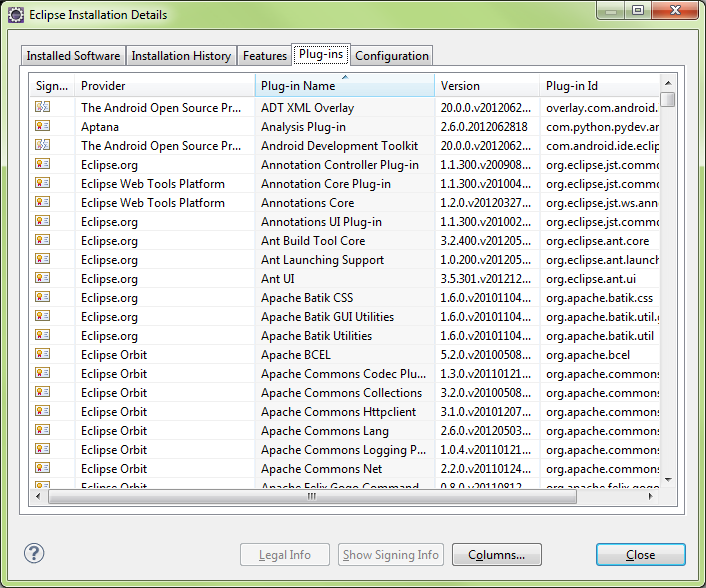
Eclipse Installation Details

Eclipse Help

Main Contents View
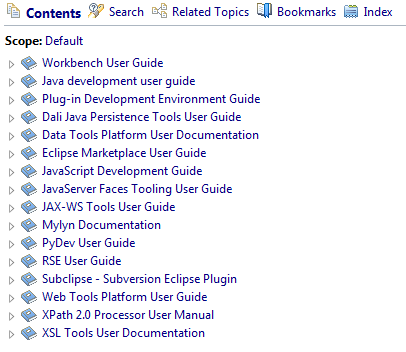
Help Contents Expanded

Help Index
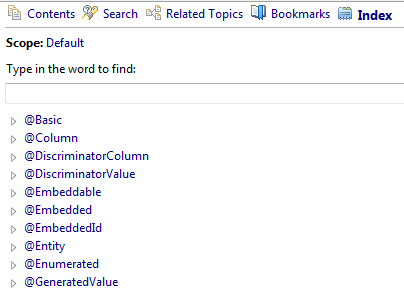
Help Search

- Log in to post comments