
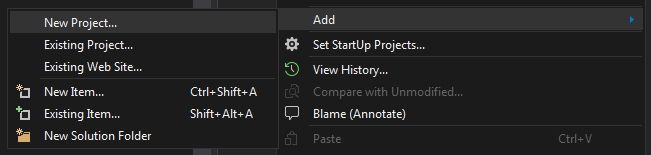
Add New Project

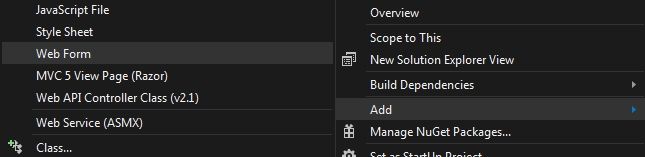
Add Web Form
-
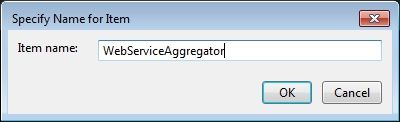
Add New Item > Web Form
Connected Services > Add Service Reference
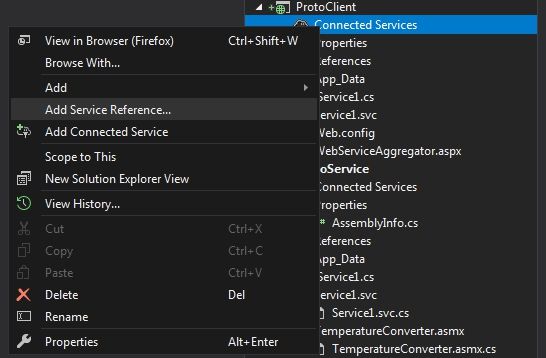
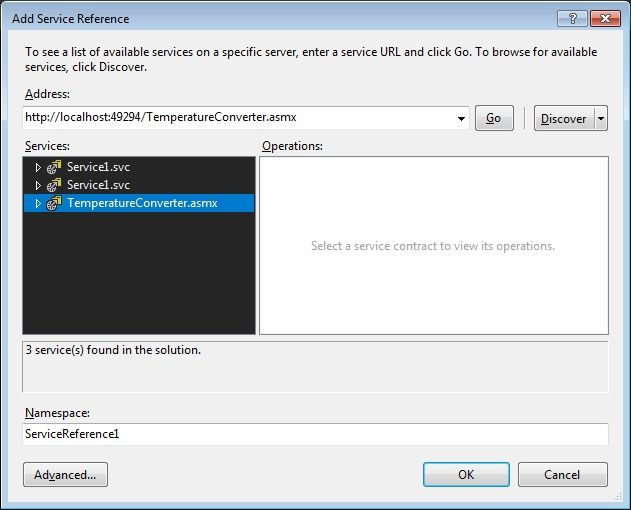
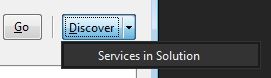
Use Discover > Services in Solution to pickup our ProtoService webservice
-
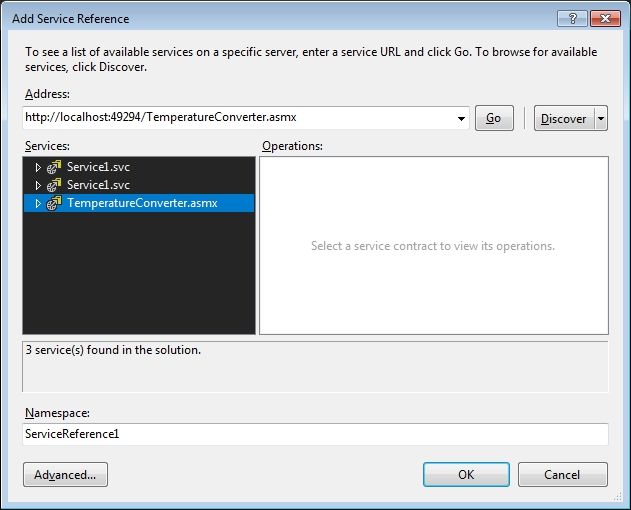
Select TemperatureConverter.asmx
-
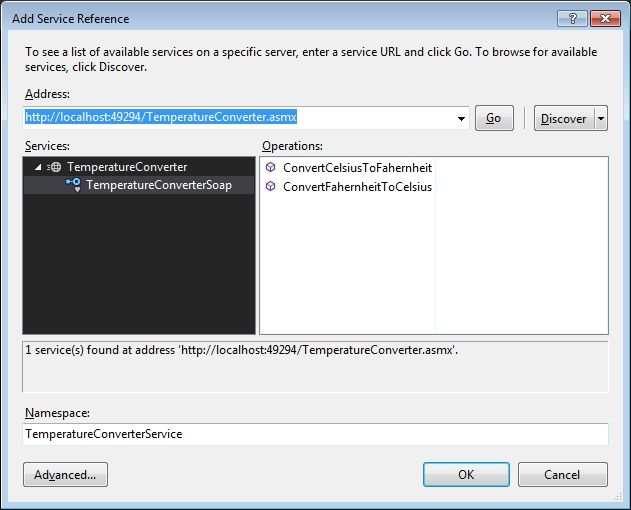
Add Namespace 'TemperatureConverterService'
-
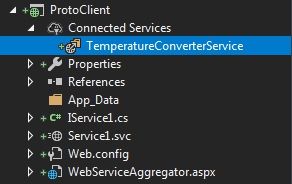
Connected Services will now show the newly added Service
Web.config
-
contains endpoint & binding information for the newly added service reference
    <client>
      <endpoint address="http://localhost:49294/TemperatureConverter.asmx"
        binding="basicHttpBinding" bindingConfiguration="TemperatureConverterSoap"
        contract="TemperatureConverterService.TemperatureConverterSoap"
        name="TemperatureConverterSoap" />
    </client>
WebForm – WebServiceAggregator.aspx
-
Open the aspx
-
Go to design
Default Form
<%@ Page Language="C#" AutoEventWireup="true" CodeBehind="WebServiceAggregator.aspx.cs" Inherits="ProtoClient.WebServiceAggregator" %>

<!DOCTYPE html>

<html xmlns="http://www.w3.org/1999/xhtml">
<head runat="server">
    <title></title>
</head>
<body>
    <form id="form1" runat="server">
        <div>
        </div>
    </form>
</body>
</html>
-
Use the Sidebar Toolbox to select controls for the WebForm
-
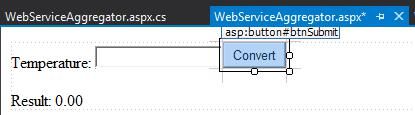
Add Labels & TextBox for Temperature & Result
-
Add a Button for Submitting
-
Update control ID & Text
-
Double click the button to bring up the event handler
-
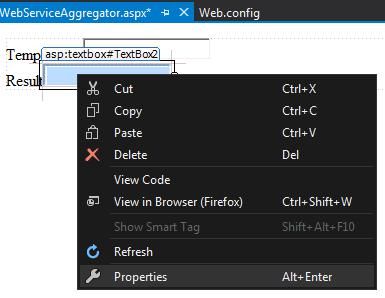
Go To Properties
Default aspx.cs code for the form
using System;
using System.Collections.Generic;
using System.Linq;
using System.Web;
using System.Web.UI;
using System.Web.UI.WebControls;

namespace ProtoClient
{
    public partial class WebServiceAggregator : System.Web.UI.Page
    {
        protected void Page_Load(object sender, EventArgs e)
        {

        }

        protected void TextBox1_TextChanged(object sender, EventArgs e)
        {

        }

        protected void btnSubmit_Click(object sender, EventArgs e)
        {

        }
    }
}
-
Create a new Client using the Web.config 'namespace' / contract
contract="TemperatureConverterService.TemperatureConverterSoap"
//reference to the webservice
            TemperatureConverterService.TemperatureConverterSoapClient client = new TemperatureConverterService.TemperatureConverterSoapClient();
Full WebForm Code
using System;
using System.Collections.Generic;
using System.Linq;
using System.Web;
using System.Web.UI;
using System.Web.UI.WebControls;

namespace ProtoClient
{
    public partial class WebServiceAggregator : System.Web.UI.Page
    {
        protected void Page_Load(object sender, EventArgs e)
        {

        }

        protected void TextBox1_TextChanged(object sender, EventArgs e)
        {

        }

        protected void btnSubmit_Click(object sender, EventArgs e)
        {
            //reference to the webservice
            TemperatureConverterService.TemperatureConverterSoapClient client = new TemperatureConverterService.TemperatureConverterSoapClient();

            // cast the Text input to double
            double dblTemp = Double.Parse(txtTemperatureInput.Text);
            // run the ws call
            double dblResult = client.ConvertFahernheitToCelsius(dblTemp);

            //update the UI with the result
            lblResult.Text = "" + dblResult;
        }
    }
}
Start the WebForm
-
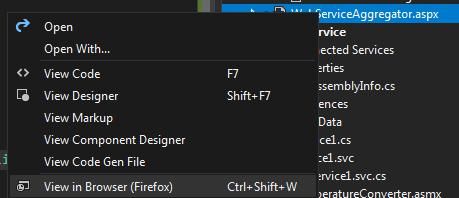
First select right-click WebServiceAggregator.aspx webform > View in Browser
Running WebForm with Controls

Start the WebService
-
Then Start the Solution's WebService provider ProtoService with IIS Express Run

Running WebService

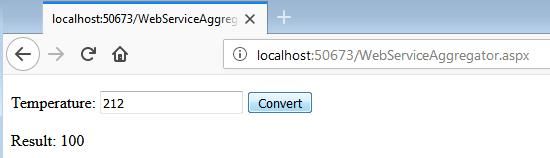
Send Soap Request using WebForm
-
Then use the webform to send the soap request to the webservice
- Log in to post comments